
Research answer
What AppTrendKit can say about PDF Office Pro, Acrobat Expert today
PDF Office Pro, Acrobat Expert has no estimate-backed download or gross-consumer-spend figure that meets the public evidence contract yet.
Observed App Store metadata, chart positions, and history are shown below. Missing, non-finite, undefined-currency, or undefined-metric evidence stays missing rather than becoming zero.
Performance intelligence
Observed trajectory and estimates
Store ranks are observations. Downloads and gross store consumer spend are AppTrendKit estimates and only appear when persisted evidence exists.
Estimated downloads · 30D
ModeledNo persisted estimate
The page does not turn missing evidence into zero.
Estimated App Store gross consumer spend · 30D
ModeledNo persisted estimate
The page does not turn missing evidence into zero.
Estimated downloads · 7D
ModeledNo persisted estimate
The page does not turn missing evidence into zero.
Estimated App Store gross consumer spend · 7D
ModeledNo persisted estimate
The page does not turn missing evidence into zero.
Evidence history
Collected daily performance
No daily metric history has been persisted yet.
Rank history
Observed chart positions
Lower rank is better. Only collected observations are shown.
Coverage note
What the ranks mean
A missing rank is not treated as zero downloads or zero revenue. Apple chart feeds are bounded and may return censored or not-ranked observations outside the visible chart depth.
Read the methodStorefront mix
Top countries by estimated contribution
Country estimates are aggregated only after country-level predictions exist.
Monetization
Observed store economics signals
These are listing and product observations. They are not company revenue, subscriber counts, or advertising revenue.
App details
Store metadata
- Version
- 7.0.1
- Released
- Sep 16, 2020
- Last updated
- Dec 19, 2021
- Content rating
- 4+
- Default storefront
- US
Public IAP observations
Validated in-app purchase prices
Only persisted rows with an explicit public publication boundary are shown. Missing price, currency, country, or date values stay unknown.
Listing detail
What the store says
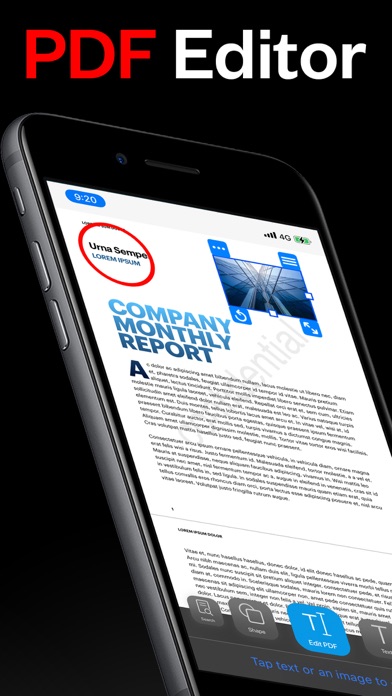
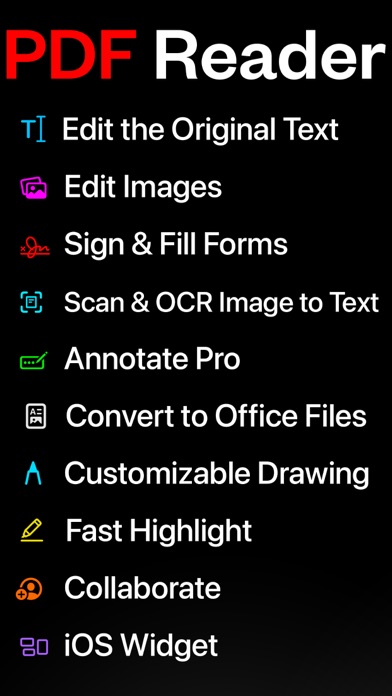
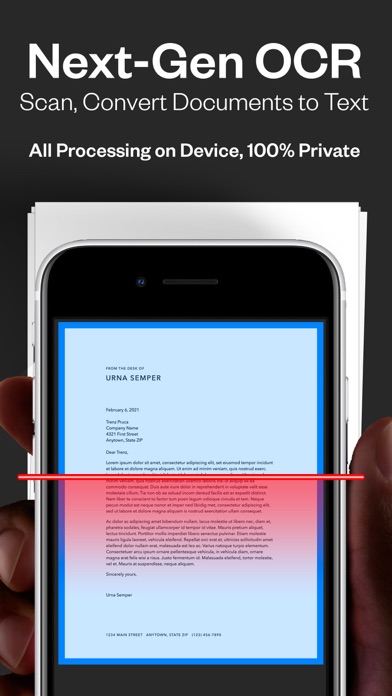
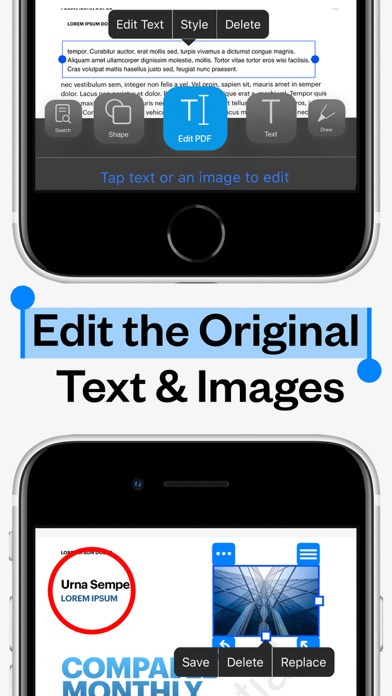
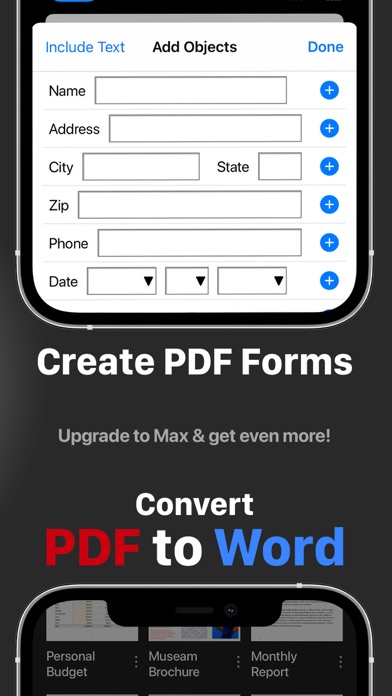
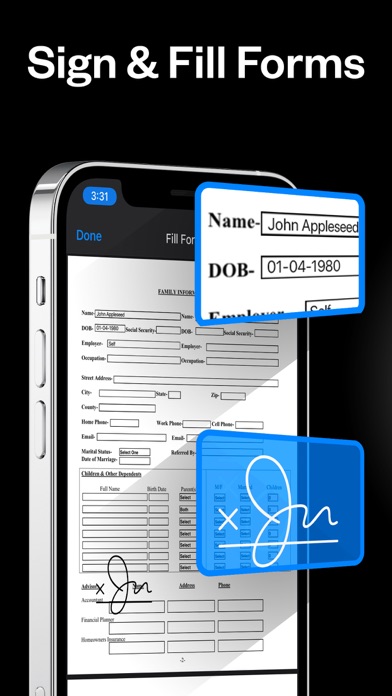
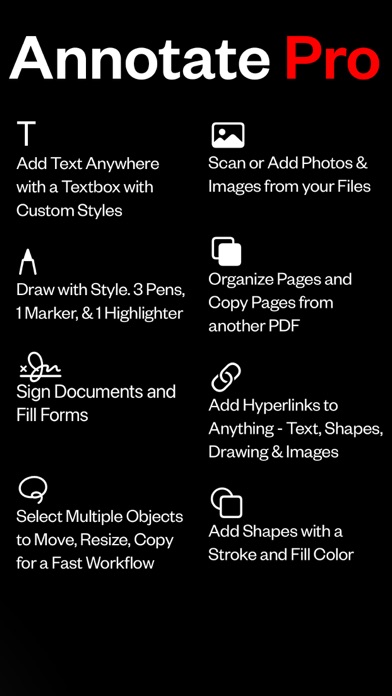
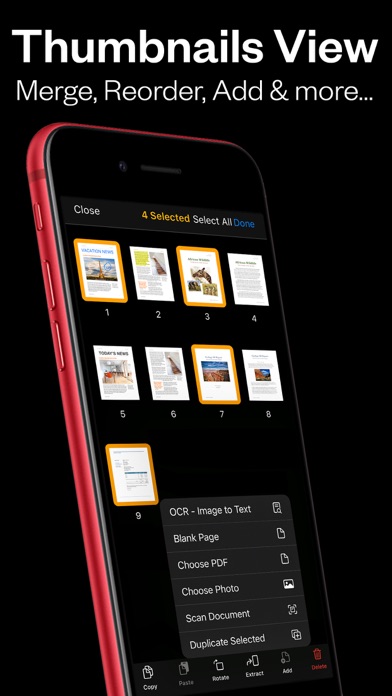
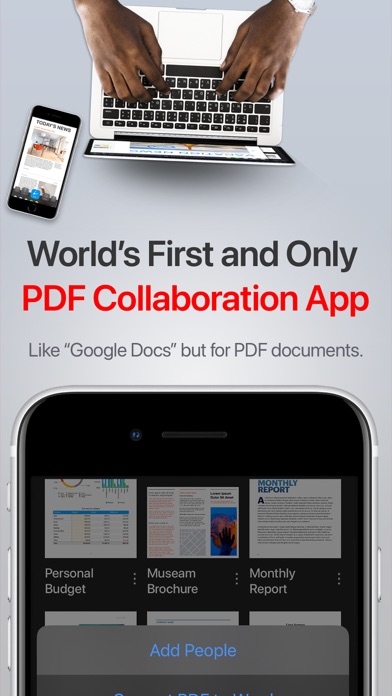
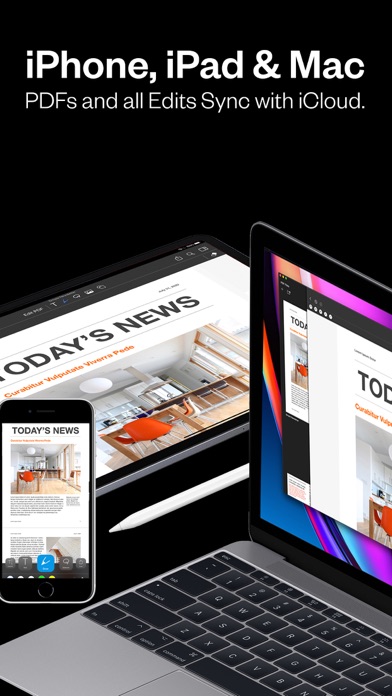
Introducing PDF Office Pro, the best PDF editor and reader! Edit text, images, sign, forms, highlight, OCR image to text, collaborate, use widgets, and much more! PDF Office Pro is a productivity app that offers a feature packed way to work with PDF documents. Using PDF Office Pro, you can edit PDF text, edit PDF Images, draw on PDF docs with Apple Pencil (not required to draw), convert images to text, invite people for real-time collaborative editing, fill PDF forms, sign PDF docs, edit hyperlinks and upload unlimited PDFs on iCloud and access the data from any iOS and Mac device. PDF Office Pro offers all the basic functionalities such as reading, highlight, draw, sign and organize PDF files; and more advanced features like rearranging PDF pages, real-time collaborative editing, online syncing, annotation, and so much more... **PDF Office Pro bundles exciting features** EDIT PDFs Original Text & Images • Edit, add, remove existing word/s or text/s or image/s. Change the font, size, and color, alignment, fill static PDF docs/forms. Save, replace, delete and resize PDF images. Powerful Editing Tool • Beautiful UI to edit text in your PDF documents • Freehand drawing with your finger or Apple Pencil • Add your own text/notes in the existing body • Scan & Fill PDF document/forms • Merge large PDF docs for easy sharing • Insert and Resize photo into PDFs UNLIMITED UPLOADS AND DATA SYNCING • Upload and Sync unlimited number of PDF files on iCloud and access the data from any iOS or Mac device. OCR - Convert Images to Text • Simple convert an image(s) or PDF to text • Next-Gen OCR with amazing accuracy • Processing done on device, 100% private World’s first real-time collaborative PDF editor • Share your doc with friends/co-workers/clients • Create a shared folder by inviting iClouds users for real-time collaborative editing. Get everyone’s feedback in one place. • Start collaborating work and save all data in shared PDF folder Annotate • Annotate word and text with highlights, underlines, handwriting • Add your comments or notes within the PDF file • Use doc sign creator and add your own signatures • Draw and insert different shapes and objects DARK MODE • Enable dark mode feature for long - time reading. Easily adjust the buttons and toolbars according to your convenience. Organize PDFs • Create a folder and organize your documents • Sync iCloud Drive with the app • Browse recently deleted PDFs Unlimited PDF uploads and syncing • Upload unlimited documents on iCloud • Access these documents from your iPhone, iPad, and Mac • Sync data online and never worry about any data loss Copy Pages • Take pages from one PDF and add to another UPGRADE AND GET: Convert PDFs to Word .docx Fully-Editable Files Conversion Includes: • Text Formatting & Attributes • Annotations & Highlights • Drawings • Images • Tables & more. • The conversion is done on our AWS secure server. All files are deleted IMMEDIATELY and just incase, we do many things: 1) We completely erase the data server every 24 hours. 2) No data is saved or tracked. 3) We even change the name of the PDF to gibberish before uploading! Create Custom PDF Forms • Easy 'Start' with templates for common PDF form objects • Add Text Input Boxes • Checkboxes • Radio • Choices • Buttons SMART COMPRESS • Control the resolution of images inside the PDF • Adjust the image quality • Flatten PDFs • Remove all images if you’d like Stamps & Stamps Builder: • Emphasize sections of the PDF • Create your own stamps MORE • Watermarks on All Pages or One Page • Add/Edit Table of Contents for nice organized outlines • Auto-Add Page numbers to your PDF and specify the exact format and location of the numbers • Add a password to exported PDFs for added protection/security
Store creative
Screenshots
Competitive set
Similar apps
Deterministic links to real stored apps matched by category, publisher, and comparable performance bands.

4DD
POLSKIE TOWARZYSTWO WSPIERANIA PRZEDSIEBIORCZOSCI SA

Adama Katalog CZ
MobiMill LTD

Adobe Scan: PDF & OCR Scanner
ADOBE SYSTEMS SOFTWARE IRELAND LIMITED

AI Resume Builder
Devang Kunjadiya

AS 24 Driver
AS 24

ATS Checker & AI Jobs Matching
Simon Murimi Ngigi

Authentic Vision - CheckIfReal
Authentic Vision GmbH

BizTravel-TMC experts
Ctrip.Com (Hong Kong) Limited
Methodology and provenance
Read every number with its evidence
Metadata source: Apple iTunes Search API; observed Sep 7, 2026, 8:31 PM.
Rankings: collected chart positions from the listed storefront. Missing ranks are not zeros.
Economics: downloads and gross store consumer spend are estimated, not official Apple or publisher figures.
Model: No persisted model version.
Confidence: —; intervals widen when evidence or history is limited.
Last observation: Sep 7, 2026, 8:31 PM.
See how AppTrendKit separates observations, estimates, coverage, and confidence.
Open methodology