
Research answer
What AppTrendKit can say about Love Love Stickers Pack # 2 today
Love Love Stickers Pack # 2 has no estimate-backed download or gross-consumer-spend figure that meets the public evidence contract yet.
Observed App Store metadata, chart positions, and history are shown below. Missing, non-finite, undefined-currency, or undefined-metric evidence stays missing rather than becoming zero.
Performance intelligence
Observed trajectory and estimates
Store ranks are observations. Downloads and gross store consumer spend are AppTrendKit estimates and only appear when persisted evidence exists.
Estimated downloads · 30D
ModeledNo persisted estimate
The page does not turn missing evidence into zero.
Estimated App Store gross consumer spend · 30D
ModeledNo persisted estimate
The page does not turn missing evidence into zero.
Estimated downloads · 7D
ModeledNo persisted estimate
The page does not turn missing evidence into zero.
Estimated App Store gross consumer spend · 7D
ModeledNo persisted estimate
The page does not turn missing evidence into zero.
Evidence history
Collected daily performance
No daily metric history has been persisted yet.
Rank history
Observed chart positions
Lower rank is better. Only collected observations are shown.
Coverage note
What the ranks mean
A missing rank is not treated as zero downloads or zero revenue. Apple chart feeds are bounded and may return censored or not-ranked observations outside the visible chart depth.
Read the methodStorefront mix
Top countries by estimated contribution
Country estimates are aggregated only after country-level predictions exist.
Monetization
Observed store economics signals
These are listing and product observations. They are not company revenue, subscriber counts, or advertising revenue.
App details
Store metadata
- Version
- 1.0
- Released
- Oct 20, 2023
- Last updated
- Oct 21, 2023
- Content rating
- 4+
- Default storefront
- MX
Public IAP observations
Validated in-app purchase prices
Only persisted rows with an explicit public publication boundary are shown. Missing price, currency, country, or date values stay unknown.
Listing detail
What the store says
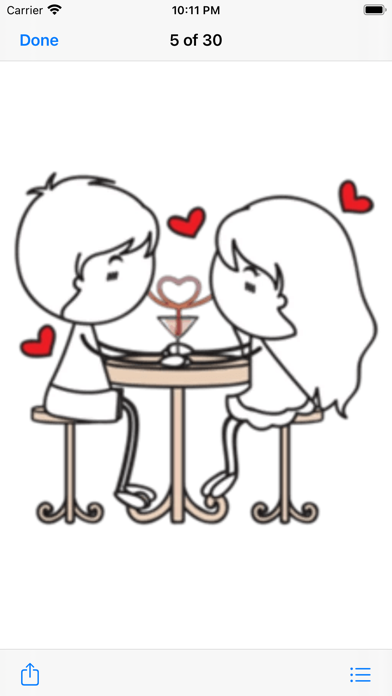
This is Love Love Sticker Pack # 2. Make love and extends happiness with your LOVE, share your feeling and emotion with these stickers. Chatting will be more fun and exciting with Love Love 2 Stickers Pack! This sticker pack will Enlighten your iMessage conversation & take it to the next level. ► HOW TO USE: • SEND dynamic stickers in chat • PLACE stickers anywhere on your iMessages • CUSTOMIZE your photos with stickers in chat • LAYER stickers over each other, in chat, and on photos • SCALE & ROTATE stickers ► HOW TO FIND YOUR STICKERS: • Access iMessage apps— Enter a contact to message, then tap the App Store icon beside the chat field to see your most recently used iMessage app. • Find new stickers—First tap the App Store icon, then tap the 4-ovals icon in the lower left to bring up the app drawer. Then, tap the + icon to access the Store. • If you are not seeing Stickers that you have purchased, you may need to change your settings. Tap the App Store icon, then tap the 4-ovals icon in the lower left to bring up the app drawer. Then click the + symbol to open the store, and select the Manage button top right. Make sure the app you are looking for is turned on. • Use stickers in chat—Tap to send, or touch and hold to put stickers on top of a bubble, other stickers, photos, and videos. • Apple Watch (iOS 3), iPhone & iPad users (iOS 10)—Transform your chat with animated stickers! Earlier iOS versions and other platforms will see static stickers in chat. ► How to Delete sticker packs from iMessage: • Open the iMessages app on your iPhone. • Scroll right on the list of apps above the keyboard till you see the More … button. • Scroll down and find the sticker pack you want to remove. • Delete App: swipe left on the sticker pack and Delete it • Tap the Edit button on the top-left. • Now you can reorder the sticker packs and also hide the sticker pack by switch button CONTACTS: feedbackmegacarrotapps@yahoo.com
Store creative
Screenshots
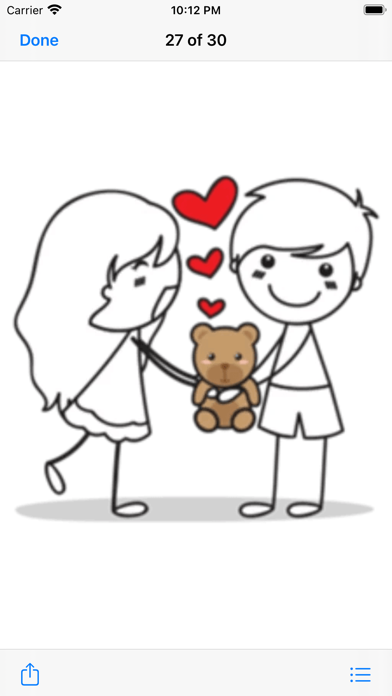
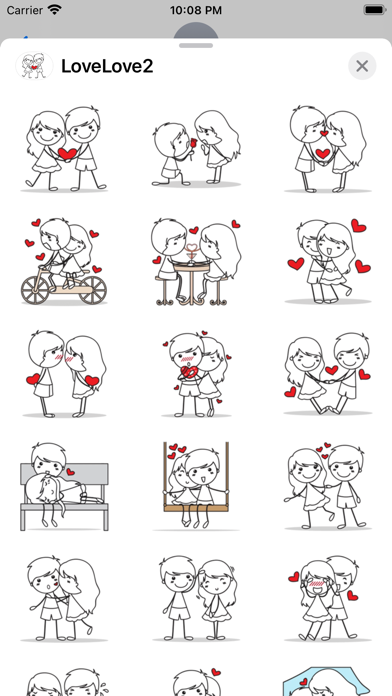
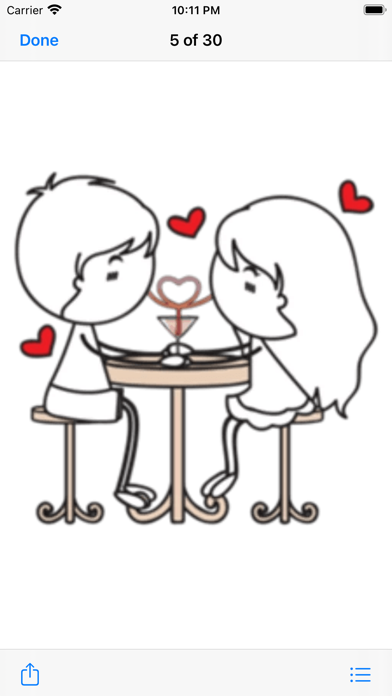
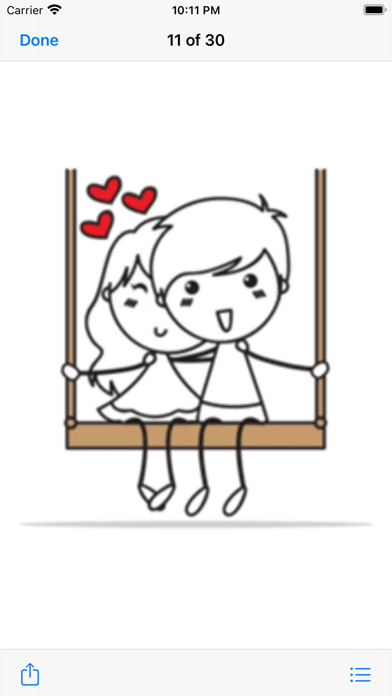
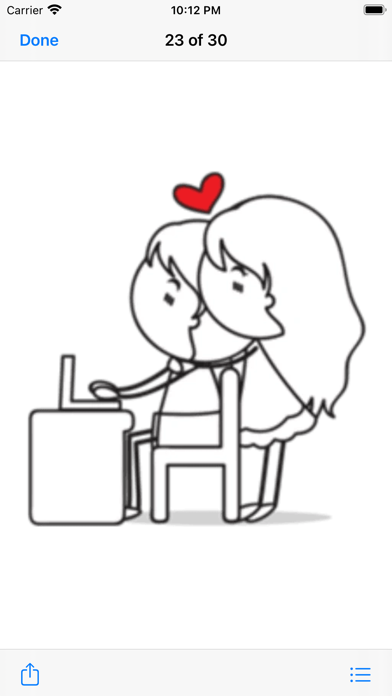
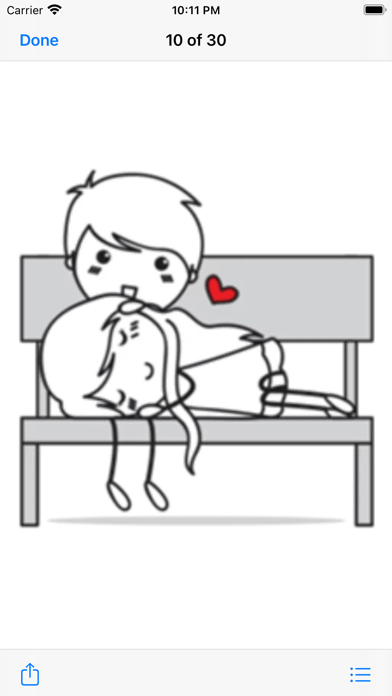

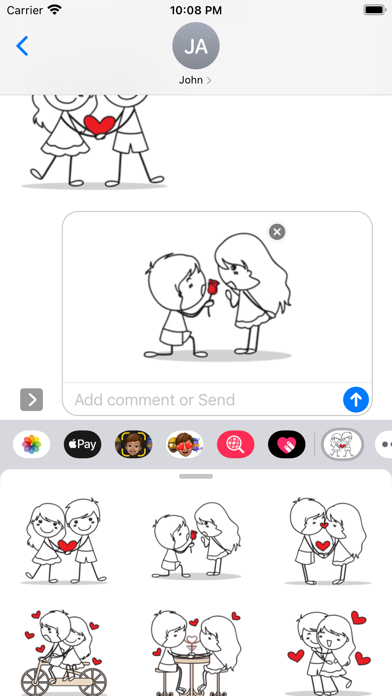
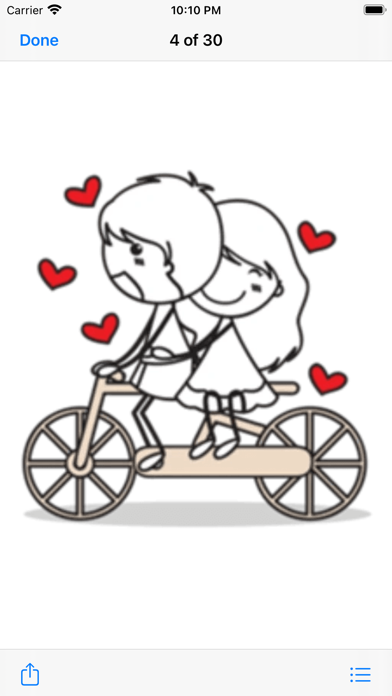
Competitive set
Similar apps
Deterministic links to real stored apps matched by category, publisher, and comparable performance bands.

Cute Toko Love Pack 4
Mujahid Zafar

Fall In Love Pack#3 Stickers
Mujahid Zafar

Signs of Fall in Love Pack#3
Mujahid Zafar

TuaGom Cute Rabbit Pack#4
Mujahid Zafar

Barbapapa
APPSGO PTE. LTD.
BT21's Everyday Cuteness
IPX Corporation

Bus Paris Stickers par Paris-ci la Sortie
Patrick UNG

CountryBalls - PL
Kiryl Ramanouski
Methodology and provenance
Read every number with its evidence
Metadata source: Apple iTunes Search API; observed Sep 7, 2026, 8:39 PM.
Rankings: collected chart positions from the listed storefront. Missing ranks are not zeros.
Economics: downloads and gross store consumer spend are estimated, not official Apple or publisher figures.
Model: No persisted model version.
Confidence: —; intervals widen when evidence or history is limited.
Last observation: Sep 7, 2026, 8:39 PM.
See how AppTrendKit separates observations, estimates, coverage, and confidence.
Open methodology