
PDF Scanner App: Scanner+ Docs
Research answer
What AppTrendKit can say about PDF Scanner App: Scanner+ Docs today
PDF Scanner App: Scanner+ Docs has no estimate-backed download or gross-consumer-spend figure that meets the public evidence contract yet.
Observed App Store metadata, chart positions, and history are shown below. Missing, non-finite, undefined-currency, or undefined-metric evidence stays missing rather than becoming zero.
Performance intelligence
Observed trajectory and estimates
Store ranks are observations. Downloads and gross store consumer spend are AppTrendKit estimates and only appear when persisted evidence exists.
Estimated downloads · 30D
ModeledNo persisted estimate
The page does not turn missing evidence into zero.
Estimated App Store gross consumer spend · 30D
ModeledNo persisted estimate
The page does not turn missing evidence into zero.
Estimated downloads · 7D
ModeledNo persisted estimate
The page does not turn missing evidence into zero.
Estimated App Store gross consumer spend · 7D
ModeledNo persisted estimate
The page does not turn missing evidence into zero.
Evidence history
Collected daily performance
No daily metric history has been persisted yet.
Rank history
Observed chart positions
Lower rank is better. Only collected observations are shown.
Coverage note
What the ranks mean
A missing rank is not treated as zero downloads or zero revenue. Apple chart feeds are bounded and may return censored or not-ranked observations outside the visible chart depth.
Read the methodStorefront mix
Top countries by estimated contribution
Country estimates are aggregated only after country-level predictions exist.
Monetization
Observed store economics signals
These are listing and product observations. They are not company revenue, subscriber counts, or advertising revenue.
App details
Store metadata
- Version
- 3.7.2
- Released
- May 26, 2020
- Last updated
- Jan 13, 2026
- Content rating
- 4+
- Default storefront
- SA
Public IAP observations
Validated in-app purchase prices
Only persisted rows with an explicit public publication boundary are shown. Missing price, currency, country, or date values stay unknown.
Listing detail
What the store says
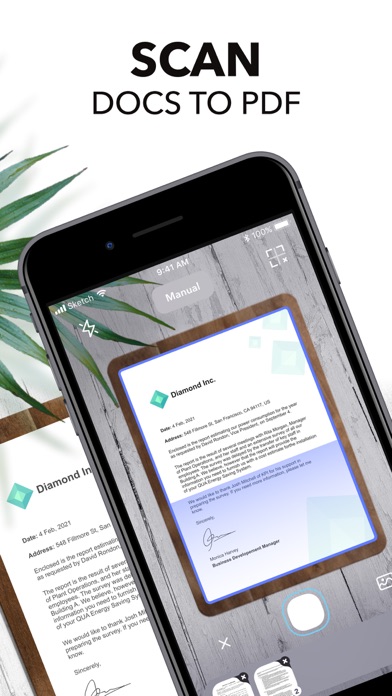
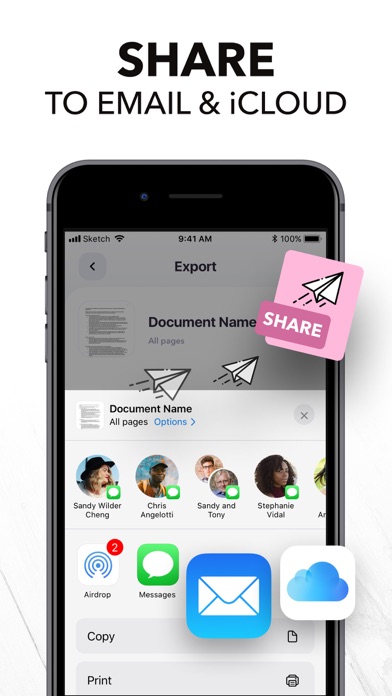
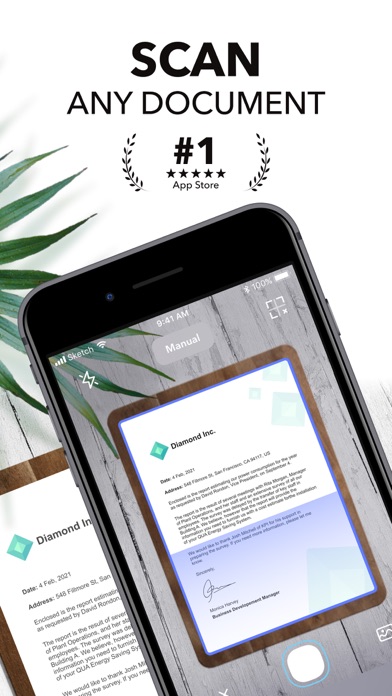
Want to keep both your money & your scanner in your pocket? Get Scanner+ for free NOW & instantly start to SCAN, SIGN, and SHARE any document in PDF, JPG, or TXT formats. Scan any paper with your iPhone's camera: the Scanner+ app will automatically recognize the edges of your document, enhance it, and give you a perfectly scanned copy that's ready to share on your favorite platform! Scanner+ offers you 12 AMAZING FEATURES that other scanners won't: SCAN DOCUMENTS Scan multiple pages into one PDF document. Enjoy the Turbo Scan mode! Why waste hours on your computer when you can quickly do it with a tiny scanner in your pocket? SCAN & RESTORE PHOTOS Photo scan is the latest feature of Scanner+ that lets you scan and save your favorite printed photos using your phone’s camera. Don’t just take a picture of a picture. Create enhanced digital scans; the photo scanner auto-detects picture boundaries, crops, restores colors and saves them into a digital album. ENHANCE & COLORIZE PHOTOS Bring your scans to life with colorize & enhance features. Enhance old photos & fix blurs and turn them into high resolution digital versions. Colorize black & white old photos to bring back memories and share them with your loved ones. CREATE ALBUMS Scan an entire photo album in minutes. Back up your scans to keep them safe, searchable, and organized. CONVERT TO PDF Scanner+ is also a PDF Converter that turns photos & images into searchable digital documents! This way you can also ""CTRL+F"" across your documents! EXPORT & SHARE Export your scans as .PDF .DOCX or .TXT and share with iMessage, Adobe PDF, Email - Gmail - Outlook - Spark, Wi-Fi Printer, Box, Whatsapp, iCloud Drive, Facebook Messenger, Dropbox, Evernote, Google Drive, OneDrive, OneNote and any other app/platform! SIGN DOCUMENTS Sign PDF documents in less than a second. Transfer your signature across documents! SMART CROP (YOU'LL LOVE THIS!) Your docs will be automatically cropped from its edges right after you scan it. Don't waste your valuable time trying to crop every single document! RECOVER RUINED DOCUMENTS Spilled coffee to your doc? Your dog took a bite from your homework? Recover it with our scanner app using the Genius Scan mode and become a scan guru! HIGHLIGHT TEXTS Highlight important parts of your documents with Scanner+ doc scanner! Very useful while studying from your scanned textbook! EDIT DOCUMENTS HIDE and BLUR unwanted parts with Scanner+ document editor! This is a great feature for hiding confidential parts of your documents. Time to become a scanmaster! ADJUST THE BRIGHTNESS Need to scan documents in a dark room? No problem at all! TRANSLATE TEXTS TO 100+ LANGUAGES Not that you'll need to translate texts to Latin or Cambodian every other day, but in case you need it, Scanner+ got you covered! RECOGNIZE TEXTS WITH OCR Recognize texts from any scannable object with the OCR text scanner mode. And yes, you can even edit handwritten texts with Scanner+! KEEP YOUR DOCS ORGANIZED Scanner+ offers more than a powerful cam scanner, it also has a drag & drop file manager with smart tags. Never lose an important document again! == PRIVACY & SECURITY == All documents are stored locally on your iPhone, so ONLY YOU will be able to access your documents! Neither we nor any third parties will have access. == PRICING & LEGAL == Scanner+ is free to use, and it will always stay free. Should you choose to, you can subscribe to Scanner+ Premium to access more features. You can start a yearly subscription with a 3-day free trial. Subscriptions automatically renew unless auto-renew is turned off no later than 24 hours before the end of the current period. Manage subscriptions, disable auto-renewal in the iTunes account settings. Privacy Policy: http://scannerplus.com/privacy-policy Terms & Condition - EULA : http://scannerplus.com/terms-conditions For any questions or inquiries about our mobile pdf scanner, reach out to us at scanner@codeway.co
Publisher websiteStore creative
Screenshots





Competitive set
Similar apps
Deterministic links to real stored apps matched by category, publisher, and comparable performance bands.

Pixelup - AI Photo Enhancer
Codeway Dijital Hizmetler Anonim Sirketi

4DD
POLSKIE TOWARZYSTWO WSPIERANIA PRZEDSIEBIORCZOSCI SA

Adama Katalog CZ
MobiMill LTD

Adobe Scan: PDF & OCR Scanner
ADOBE SYSTEMS SOFTWARE IRELAND LIMITED

AI Resume Builder
Devang Kunjadiya

AS 24 Driver
AS 24

ATS Checker & AI Jobs Matching
Simon Murimi Ngigi

Authentic Vision - CheckIfReal
Authentic Vision GmbH
Methodology and provenance
Read every number with its evidence
Metadata source: Apple iTunes Search API; observed Sep 7, 2026, 8:37 PM.
Rankings: collected chart positions from the listed storefront. Missing ranks are not zeros.
Economics: downloads and gross store consumer spend are estimated, not official Apple or publisher figures.
Model: No persisted model version.
Confidence: —; intervals widen when evidence or history is limited.
Last observation: Sep 7, 2026, 8:37 PM.
See how AppTrendKit separates observations, estimates, coverage, and confidence.
Open methodology