
Awesome Calendar
Research answer
What AppTrendKit can say about Awesome Calendar today
Awesome Calendar has no estimate-backed download or gross-consumer-spend figure that meets the public evidence contract yet.
Observed App Store metadata, chart positions, and history are shown below. Missing, non-finite, undefined-currency, or undefined-metric evidence stays missing rather than becoming zero.
Performance
Downloads, revenue and chart history
Estimates for the last 7D. Chart positions come from the App Store; downloads and revenue are AppTrendKit estimates, shown as a size band (for example 10K–50K) with a confidence level.
Estimated downloads · 30D
Upper limitUnder 50K
Below the top 100 in Productivity (US)
The app is not in its category's top 100, so it has less than the app ranked #100 there. We show this limit until we have enough data for an estimate.
Estimated App Store gross consumer spend · 30D
Upper limitUnder $500K
Below the top 100 in Productivity (US)
The app is not in its category's top 100, so it has less than the app ranked #100 there. We show this limit until we have enough data for an estimate.
History
Collected daily performance
No daily history yet.
Rank history
Chart positions
Lower rank is better. Only collected observations are shown.
Coverage note
What the ranks mean
A missing rank is not treated as zero downloads or zero revenue. Apple chart feeds are bounded and may return censored or not-ranked observations outside the visible chart depth.
Read the methodApp Store search
Keywords Awesome Calendar ranks for
Observed positions in Apple's US search results, best first. Popularity is a 0–100 index, not a search count.
| Keyword | Position | Change | Popularity | Difficulty |
|---|---|---|---|---|
| awesome | #12 | new | 74 | 62 |
Storefront mix
Top countries by estimated contribution · 7D
Country figures cover the days we collected in each country, so they don't add up to the worldwide estimate. Each country shows when it was last updated.
Monetization
How the app makes money
These are listing and product observations. They are not company revenue, subscriber counts, or advertising revenue.
App details
Store metadata
- Version
- 5.17.1
- Released
- Nov 17, 2011
- Last updated
- Jan 24, 2022
- Content rating
- 4+
- Default storefront
- US
Public IAP observations
Validated in-app purchase prices
Only persisted rows with an explicit public publication boundary are shown. Missing price, currency, country, or date values stay unknown.
Listing detail
What the store says
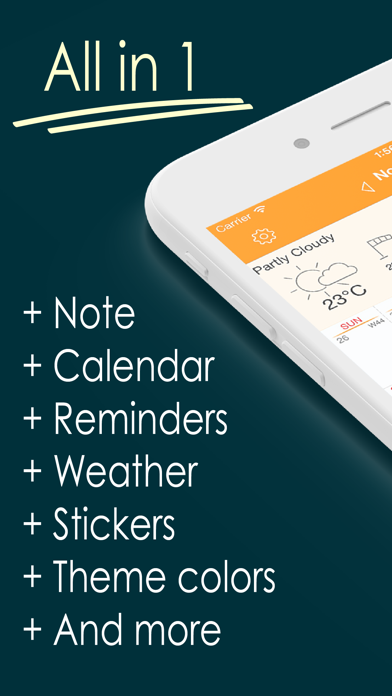
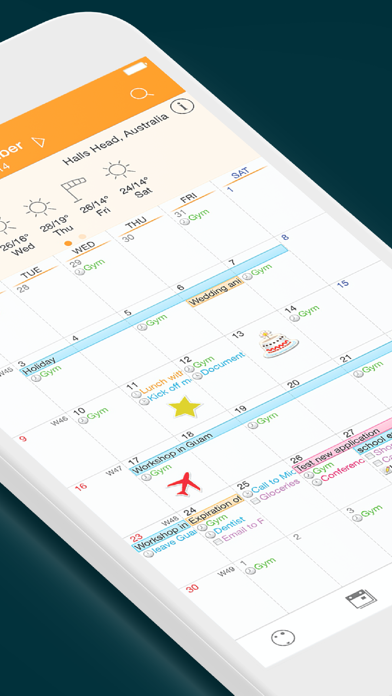
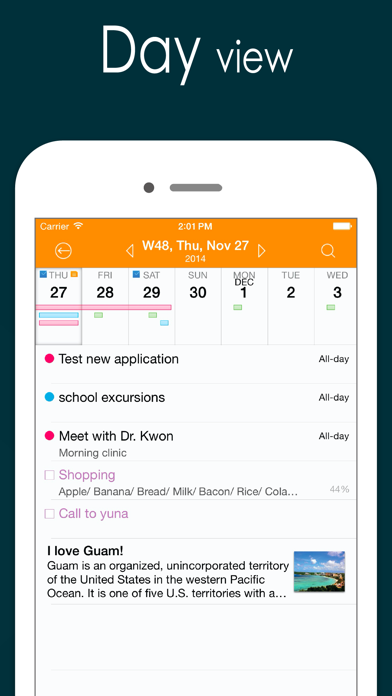
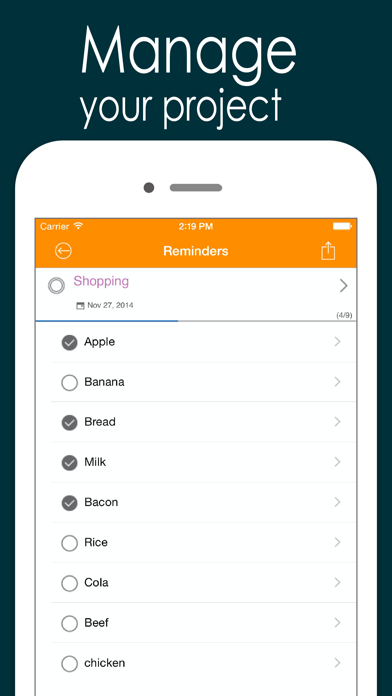
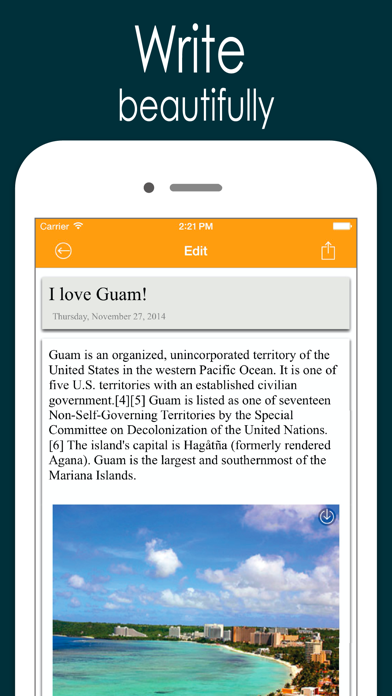
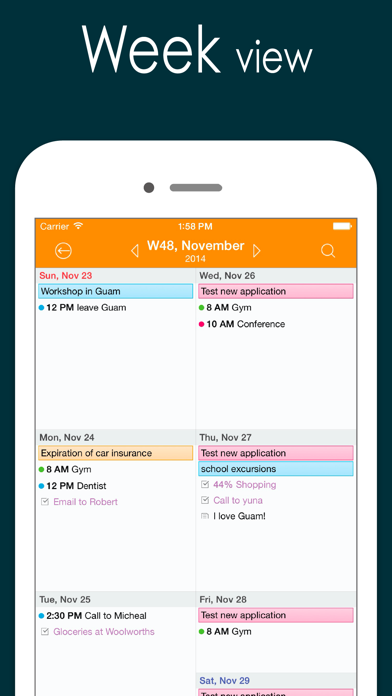
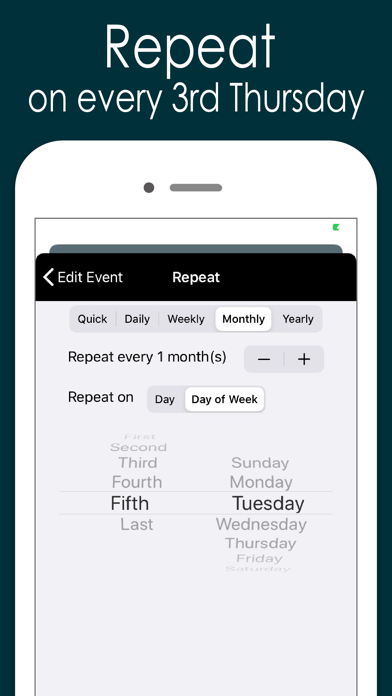
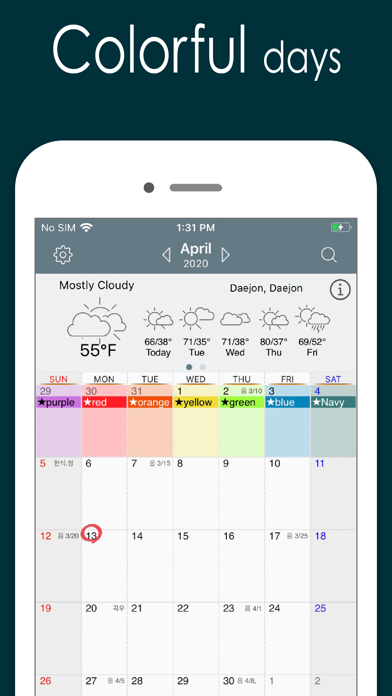
Now you can automatically sync with all iPhone calendars, write your todo list, create notes with photos, check the weather and more, all with Awesome Calendar! This elegant application keeps you organized, shows holidays and is even perfect for team projects. You’re away from the office but need to check your schedule. What do you do? Open up Awesome Calendar, of course. It only takes a second or two. The app automatically syncs with all iPhone supported calendars to let you know when you have time for that next meeting. Quick as a wink, you add the meeting to your calendar then create a note that will help you prepare for it. A fast snap of the camera or visit to your camera roll and you add a picture of the product you’re quoting on, the item needing repair, or whatever you want. Another tap and you share all the information with your assistant back at the office, who can get the ball rolling on this project. You pride yourself on making things happen fast, that’s why you have Awesome Calendar on your iPhone, iPod touch or iPad. In one speedy swoop, right from the client’s office, you were able to set up dates and times, note all of the information, and get things underway remotely. Once again, you are providing the five-star service you are known for. Awesome Calendar is the all-in-tool to help you manage your personal and business life. View and edit your schedule, check the weather, create a todo list, write in your diary, embed photos in notes, check for holidays. This one does it all! Want to share your schedule and notes? Would you like to have someone help you with your growing todo list? No problem, you can do those things from right inside the Awesome Calendar app. That’s right, it’s that easy and convenient. You never have to leave the app to use it most efficiently. The time management power and functionality of this app is amazing. It has an elegant, easy-to-use interface from where you can organize your life and schedule. Aside from the tasks already mentioned, the application offers month, week, day and list views, event alarms, collapsible weeks, holiday listings for 35 different countries, and far more than what can be listed here. Check out just a few of the features offered in Awesome Calendar: + Natural Language Input. + works with all iPhone supported calendars(MobileMe, iCloud, Google Calendar, Exchange, CalDAV) + iOS reminder integrated. Custom color, priority, note, custom alarms and sub-task. + Synchronization with google task + 4 apps in 1(calendar, task manager, notepad, weather, sticker) + Multiple calendar control + Month, week agenda, Filofax, day and list views + Rolling todo and todo carry over. + Custom color for event and reminder. + iCloud support for diary. + Customizable calendar and event color. + Font size and Style change option in view and note. + Timezone support. + Event template for quick adding. + Grouping of todo option + Quick popup on month view. + Holidays noted for 35 countries. Multiple holiday selection. + Elegant Photo album calendar. + Powerful diary lets you type notes and embed photos. + Full text search for event, note and todo. + Easy-push event alarm and customizable alarm. + Unlimited alarms. + Weather information display – current and 10 day forecast + Air print-Month overview, week, day and each event. + Lots of Cuteeeee stickers available to use in month view + Share events, notes and todo lists from inside the app + Passcode lock. + Monday/Sunday start option. + Customized recurrence for event and reminder. + Insert photo to note. + Sharing note via email. + Badge alarm on icon. Number of today’s events, todos. + Displaying past events on 1,2,3,4 and 5 years ago today at a glance. + Today's wise saying. + Theme color. + Customizable recurring rule for event and reminder. + Note sync via iCloud.
Publisher websiteStore creative
Screenshots
Competitive set
Similar apps
Deterministic links to real stored apps matched by category, publisher, and comparable performance bands.

Awesome Calendar 2
YunaSoft Inc.

Awesome Calendar Lite
YunaSoft Inc.

Calendar
Apple Inc.

Todoist: To Do List & Calendar
Todoist Inc.

ChatGPT
OpenAI OpCo, LLC

豆包 - 随时帮忙的 AI 助手
Beijing Chuntian Zhiyun Technology Co., Ltd.

Gmail - Email by Google
Google LLC

Google Gemini
Google LLC
How we estimate
Where every number comes from
App details: Apple iTunes Search API, updated Sep 28, 2026, 4:25 PM.
Rankings: collected chart positions from the listed storefront. Missing ranks are not zeros.
Economics: downloads and gross store consumer spend are estimated, not official Apple or publisher figures.
Model: Lineage not exposed by this aggregate.
Confidence: —; intervals widen when evidence or history is limited.
Last updated: Sep 28, 2026, 4:25 PM.
See how AppTrendKit separates observations, estimates, coverage, and confidence.
Open methodology