
Research answer
What AppTrendKit can say about iQuickScan QR today
iQuickScan QR has no estimate-backed download or gross-consumer-spend figure that meets the public evidence contract yet.
Observed App Store metadata, chart positions, and history are shown below. Missing, non-finite, undefined-currency, or undefined-metric evidence stays missing rather than becoming zero.
Performance intelligence
Observed trajectory and estimates
Store ranks are observations. Downloads and gross store consumer spend are AppTrendKit estimates and only appear when persisted evidence exists.
Estimated downloads · 30D
ModeledNo persisted estimate
The page does not turn missing evidence into zero.
Estimated App Store gross consumer spend · 30D
ModeledNo persisted estimate
The page does not turn missing evidence into zero.
Estimated downloads · 7D
ModeledNo persisted estimate
The page does not turn missing evidence into zero.
Estimated App Store gross consumer spend · 7D
ModeledNo persisted estimate
The page does not turn missing evidence into zero.
Evidence history
Collected daily performance
No daily metric history has been persisted yet.
Rank history
Observed chart positions
Lower rank is better. Only collected observations are shown.
Coverage note
What the ranks mean
A missing rank is not treated as zero downloads or zero revenue. Apple chart feeds are bounded and may return censored or not-ranked observations outside the visible chart depth.
Read the methodStorefront mix
Top countries by estimated contribution
Country estimates are aggregated only after country-level predictions exist.
Monetization
Observed store economics signals
These are listing and product observations. They are not company revenue, subscriber counts, or advertising revenue.
App details
Store metadata
- Version
- 1.7
- Released
- Mar 30, 2023
- Last updated
- Jun 25, 2026
- Content rating
- 4+
- Default storefront
- CL
Public IAP observations
Validated in-app purchase prices
Only persisted rows with an explicit public publication boundary are shown. Missing price, currency, country, or date values stay unknown.
Listing detail
What the store says
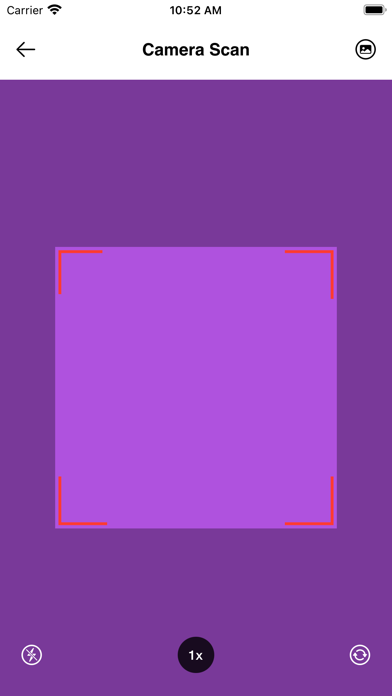
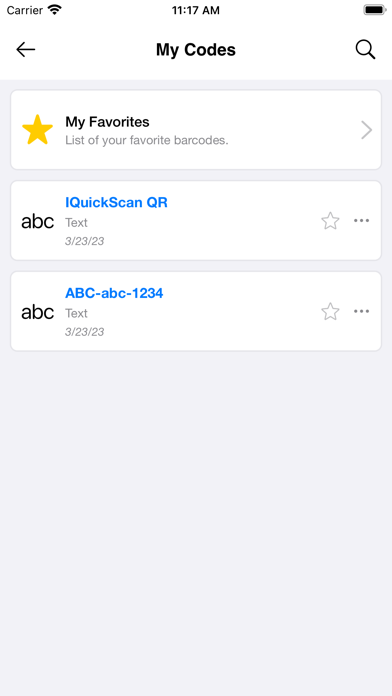
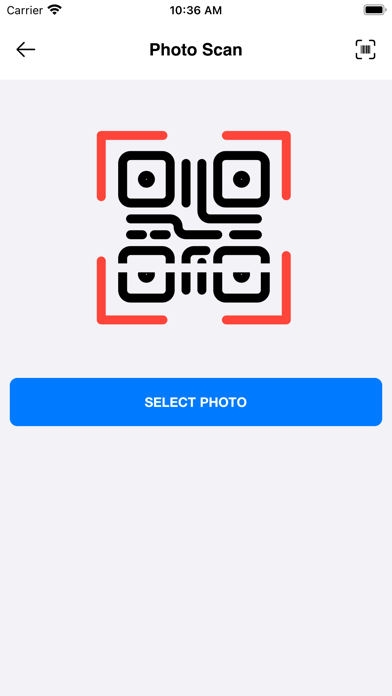
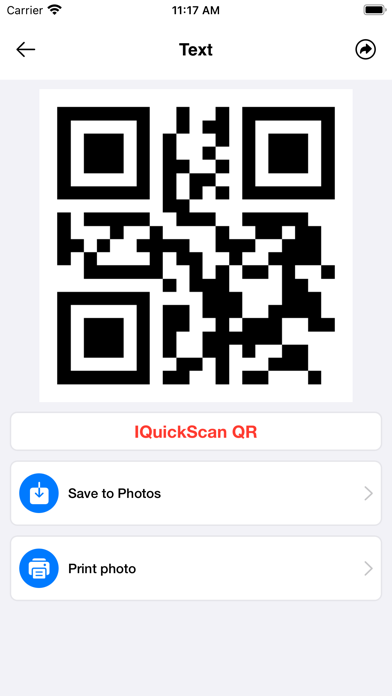
iQuickScan is the best QR and Barcodes Reader Application. It is ready for all iOS Devices. iQuickScan's user-friendly interface makes it simple to scan codes with just one tap. The app automatically detects the code and provides you with the relevant information, which you can then save, copy, or share with others. You can also create your own codes using the app's built-in code generator. With iQuickScan QR, you can scan codes to access information instantly, including website URLs, product information, and contact details. The app supports various types of codes, including codes, EAN codes, and UPC codes. With the history functions, you can access and manage all of your scanned codes in one place with the smart filter options. Let discover the best functions in our app: 1) Camera Scan & Photo Scan. iQuickScan includes the build-in camera & photo reader with the user-friendly interface ( Flash on/off, Zoom in/out, switching font/rear camera functions if you have any QR code & Barcodes photos, let use Photo Scan function to scan it. You can scan codes to access information instantly, including website URLs, product information, and contact details. The app supports various types of codes, including codes, EAN codes, and UPC codes. Your scanning works will be never easier. 2) Document Scan. One special function in iQuickScan QR which we want to introduce with you. It is the Document scanner. You can scan every your bill, your card, your pdf, your document... and save it to your Photos or Print it. It will help you to save time and the important information. All in one will be in iQuickScan QR app. 3) QR Generator. - Text generator : iQuickScan includes a built-in Qr text generator which allows you to easily create codes from text messages, notes, or other text-based content. - Contact Card Generator: Contact Card Generator is a powerful tool that allows you to easily create a code for your contact information. By inputting your name, email, phone number, and other relevant information, iQuickScan QR generates a code that can be scanned by others to quickly save your contact information to their device. This feature is ideal for professionals who want to share their information quickly and easily - WiFi Generator is a useful feature that allows you to easily create a code for your WiFi network. By simply entering your network name and password, iQuickScan QR generates a code that can be scanned by others to quickly connect to your WiFi network. This feature is great for businesses, events, or even at home when you have guests over. With QuickScan's WiFi Qr Generator, sharing your WiFi network has never been easier. - Event Generator: Event Generator is a powerful tool that allows you to easily create a code for your upcoming event. By inputting your event details, such as the event name, date, time, and location. - Link Generator : Link Generator is a handy feature that allows you to create a code for any website link you want to share. 4) Video player embedded: The video player embedded in the app to open the video URL (.mp4, .avi, .mkv ...) from the QR code. Video Player is an embedded feature within the app that allows you to open a video URL directly from a QR code. 5) Support dark mode and light mode UI. 6) You can upgrade to Premium Member to remove all ads, scan and create unlimited QR codes, barcodes, and documents. App Permissions: It is important to grant the necessary permissions for the proper functioning of our iQuickScan QR App. Our Application is designed with your privacy in mind, so it does not collect any your personal information. It is also important to know more about our Terms of Use and Service: https://quickscanqr.com/privacy_policy.html https://quickscanqr.com/terms-of-service.html If you have any problem you can write us to support@quickscanqr.com and we will gladly attend your request.
Publisher websiteStore creative
Screenshots



Competitive set
Similar apps
Deterministic links to real stored apps matched by category, publisher, and comparable performance bands.

3d Scanner App™
AI Photo Editor Lab SRL

Adult Emoji Animated GIFs
艳 王

Anywhere Proxy
Argsment Limited

Avira Mobile Security
Avira Holding GmbH & Co. KG

CG Balancer
Vincent Toegel

CHOP VPN: Fast & Secure
Smart Soft Engineering LLC

CNH do Brasil
Servicos e Informacoes do Brasil

Decibel X PRO: dBA Noise Meter
SkyPaw Co., Limited
Methodology and provenance
Read every number with its evidence
Metadata source: Apple iTunes Search API; observed Sep 7, 2026, 8:37 PM.
Rankings: collected chart positions from the listed storefront. Missing ranks are not zeros.
Economics: downloads and gross store consumer spend are estimated, not official Apple or publisher figures.
Model: No persisted model version.
Confidence: —; intervals widen when evidence or history is limited.
Last observation: Sep 7, 2026, 8:37 PM.
See how AppTrendKit separates observations, estimates, coverage, and confidence.
Open methodology