
PDF Reader Pro – Lite Edition
Research answer
What AppTrendKit can say about PDF Reader Pro – Lite Edition today
PDF Reader Pro – Lite Edition has no estimate-backed download or gross-consumer-spend figure that meets the public evidence contract yet.
Observed App Store metadata, chart positions, and history are shown below. Missing, non-finite, undefined-currency, or undefined-metric evidence stays missing rather than becoming zero.
Performance intelligence
Observed trajectory and estimates
Store ranks are observations. Downloads and gross store consumer spend are AppTrendKit estimates and only appear when persisted evidence exists.
Estimated downloads · 30D
ModeledNo persisted estimate
The page does not turn missing evidence into zero.
Estimated App Store gross consumer spend · 30D
ModeledNo persisted estimate
The page does not turn missing evidence into zero.
Estimated downloads · 7D
ModeledNo persisted estimate
The page does not turn missing evidence into zero.
Estimated App Store gross consumer spend · 7D
ModeledNo persisted estimate
The page does not turn missing evidence into zero.
Evidence history
Collected daily performance
No daily metric history has been persisted yet.
Rank history
Observed chart positions
Lower rank is better. Only collected observations are shown.
Coverage note
What the ranks mean
A missing rank is not treated as zero downloads or zero revenue. Apple chart feeds are bounded and may return censored or not-ranked observations outside the visible chart depth.
Read the methodStorefront mix
Top countries by estimated contribution
Country estimates are aggregated only after country-level predictions exist.
Monetization
Observed store economics signals
These are listing and product observations. They are not company revenue, subscriber counts, or advertising revenue.
App details
Store metadata
- Version
- 3.2.0
- Released
- Oct 8, 2014
- Last updated
- Apr 22, 2026
- Content rating
- 4+
- Default storefront
- AT
Public IAP observations
Validated in-app purchase prices
Only persisted rows with an explicit public publication boundary are shown. Missing price, currency, country, or date values stay unknown.
Listing detail
What the store says
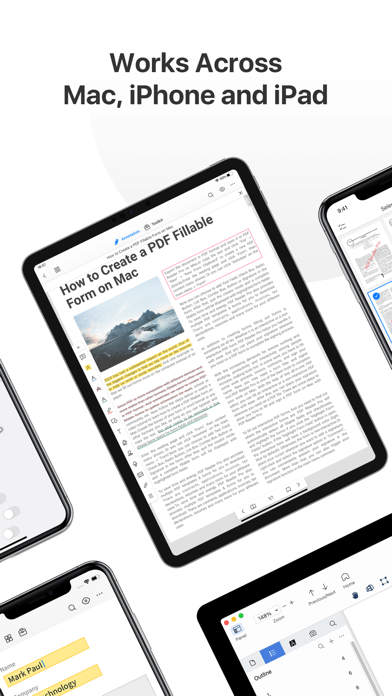
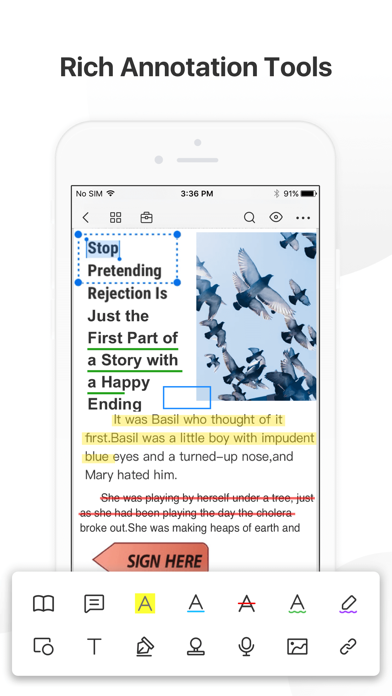
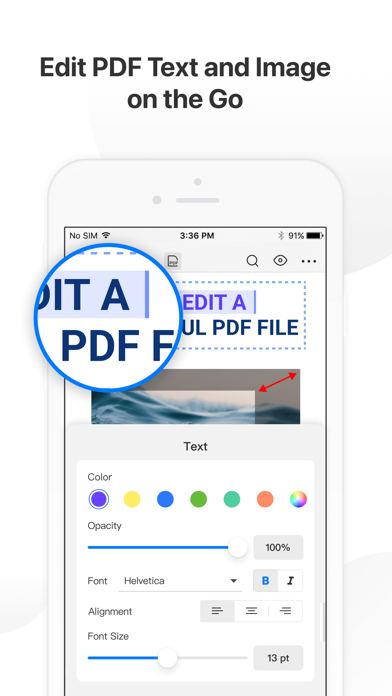
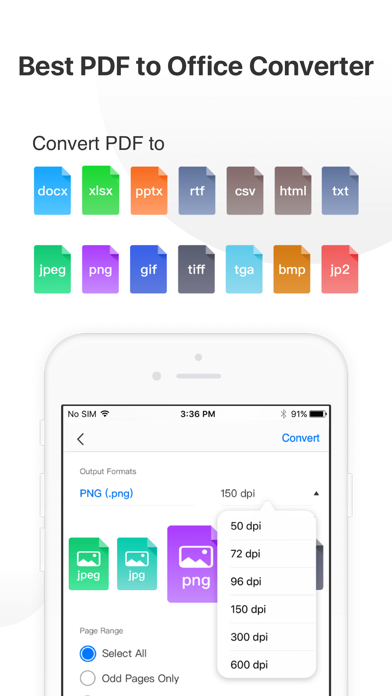
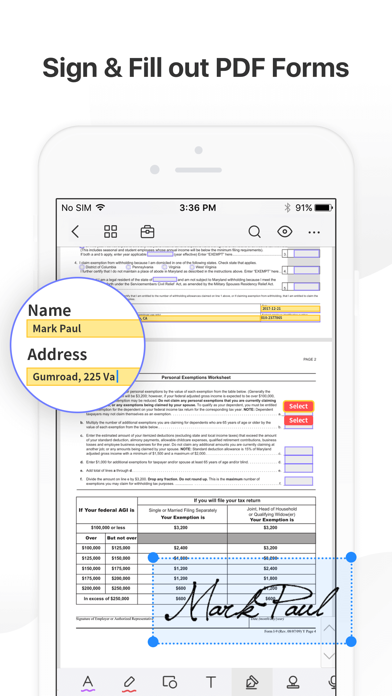
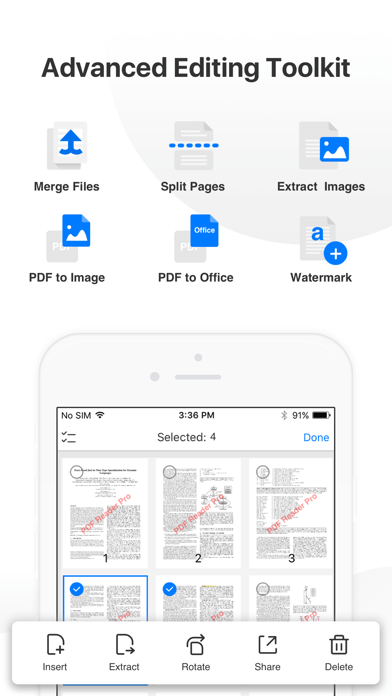
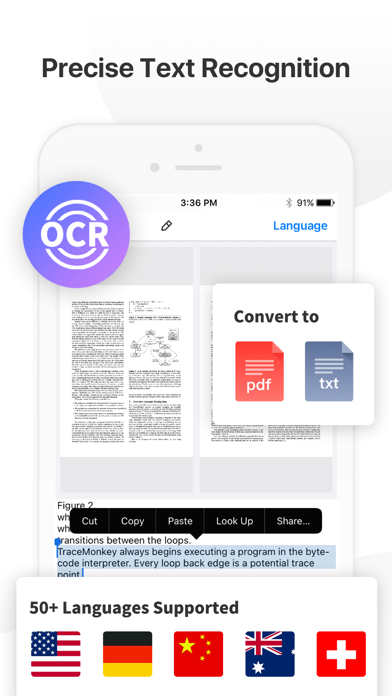
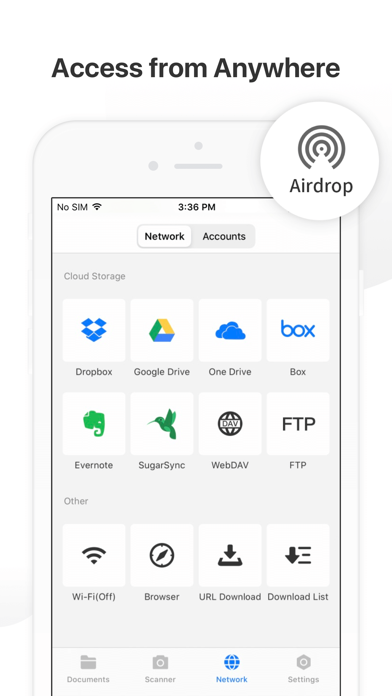
PDF Reader Pro helps much for anyone who reads, edit, highlights, OCR, signs, converts, creates, protects, compresses and fills out PDFs on their iPhone and iPad. It also makes it easy to organize, annotate and edit your PDFs. Import files from your computer or the cloud, then complete forms, add freehand drawings and audio notes and more. PDF Reader Pro offers even more - merge and combine multiple documents, split your PDFs, insert pages from another PDF, insert photos or hyperlinks to your PDFs, Convert PDF to Word and other Microsoft Office® formats. With support for reading files from popular productivity suites, it’s a convenient way to take the office anywhere you go. PDF Reader Pro Edition for Professional is your last choice of PDF application. READ ・ View PDFs with various themes like night mode to comfort your eyes. ・ Choose vertically/horizontally scroll pages or single pages/two pages/book mode. ・ Support crop mode, tabbed PDF reading, continuous page view, auto scroll and more. ・ Use text-to-speech feature to read selected text with no time limits. ・ Easy content navigation with bookmarks/outlines. ・ Fast files Printing to directly print PDFs from your device. ・ DRM, supports Vitrium* protected PDF files. ANNOTATE ・ Annotate PDFs with highlight, underline, strikethrough, note, freehand, text box, anchored note, rectangle, circle, line etc. ・ Create multiple signatures with trackpad, keyboard or images. ・ Insert pre-designed stamps such as Approved, Confidential and more. ・ Support to link any part of the text to a different page, email or website. ・ Share your annotated PDFs with others via PDF documents/Flattened copy/ Summary/ Original PDF. EDIT PDF ・Edit PDF text. Easily fix typos or other inaccurate content. Fast change the font color, size and style. ・Modify PDF images such as cropping, rotating, deleting, replacing, etc. Easily resize or move images for a better layout. ・Add and edit watermarks to keep your PDFs safe and professional. Watermark tiling is supported. ・Extract images from PDFs. ・Create a Flattened copy to flatten PDF to make the contents static. PAGE EDITOR ・ Merge & Split PDFs available, split documents into multiple documents or combine multiple pages into a new one. ・ Extract the desired pages to create a new PDF. ・ Insert blank pages / another PDF to import specified content. ・ Rotate, rearrange, add, and delete PDF pages. Fill FORMS ・ Work with static PDF forms created in Adobe Acrobat. ・ Fill out any PDF forms with interactive fields such as text fields, checkboxes, radio buttons, combo boxes, list boxes, etc. CONVERT PDF · Export from PDF to Microsoft Word (.docx), PowerPoint (.pptx), Excel (.xlsx), RTF, Text, Image, HTML, CSV, and more Offline. ・ Convert MS Office documents, iWorks, web content, and images to PDFs. ・ Create a new PDF as a blank PDF / from your clipboard content. COMPRESS PDFs ・ Compress large PDFs to reduce file size. PDF size-reduction for easily sharing. OCR · OCR pdfs to convert scanned PDF files or pictures into editable and searchable PDFs or TXT files. 50+ languages supported! PROTECT CONTENT WITH PASSWORD AND ENCRYPTION ・ Passcode to prevent unauthorized use of PDF Reader Pro. ・ Encrypt to protect your PDF files from unauthorized reading with a password. SCANNER ・Make continuous scans and automatically detect edges of scanned objects. Text-to-Speech ・ Support a total of 36 voices for 26 languages. WORK IN THE CLOUD ・ Store and secure files on iCloud Drive, Dropbox, OneDrive, Google Drive, Evernote, Box, FTP, WebDav, etc. Backup Files between iOS Devices, Mac and PC ・ Connect your iPhone/iPad with a desktop for transferring files using USB or WiFi connection. Support Various File Types ・ MS Office, iWork, image files ・ Compressed files (zip, rar) ・ audio and video files ・ Other file formats Have any feedback? Please contact us directly at support@pdfreaderpro.com Terms of Use: https://www.apple.com/legal/internet-services/itunes/dev/stdeula/
Publisher websiteStore creative
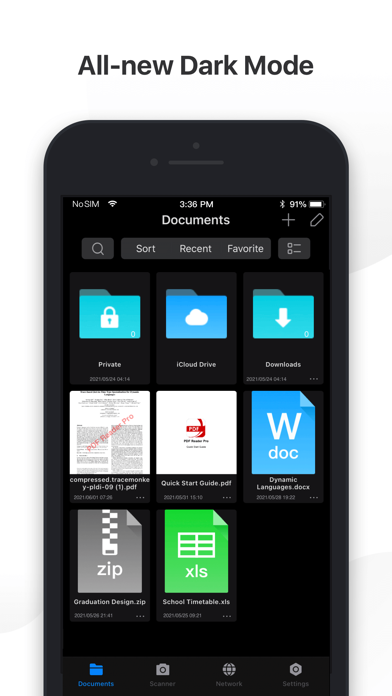
Screenshots
Competitive set
Similar apps
Deterministic links to real stored apps matched by category, publisher, and comparable performance bands.

4DD
POLSKIE TOWARZYSTWO WSPIERANIA PRZEDSIEBIORCZOSCI SA

Adama Katalog CZ
MobiMill LTD

Adobe Scan: PDF & OCR Scanner
ADOBE SYSTEMS SOFTWARE IRELAND LIMITED

AI Resume Builder
Devang Kunjadiya

AS 24 Driver
AS 24

ATS Checker & AI Jobs Matching
Simon Murimi Ngigi

Authentic Vision - CheckIfReal
Authentic Vision GmbH

BizTravel-TMC experts
Ctrip.Com (Hong Kong) Limited
Methodology and provenance
Read every number with its evidence
Metadata source: Apple iTunes Search API; observed Sep 7, 2026, 9:22 PM.
Rankings: collected chart positions from the listed storefront. Missing ranks are not zeros.
Economics: downloads and gross store consumer spend are estimated, not official Apple or publisher figures.
Model: No persisted model version.
Confidence: —; intervals widen when evidence or history is limited.
Last observation: Sep 7, 2026, 9:22 PM.
See how AppTrendKit separates observations, estimates, coverage, and confidence.
Open methodology